 Olivet
Find the words. Read the passage.
A Bible word search for iPhone. Find the hidden words, then read the passage they came from.
How it plays
Thy word is a lamp unto my feet, and a light unto my path.Psalm 119:105
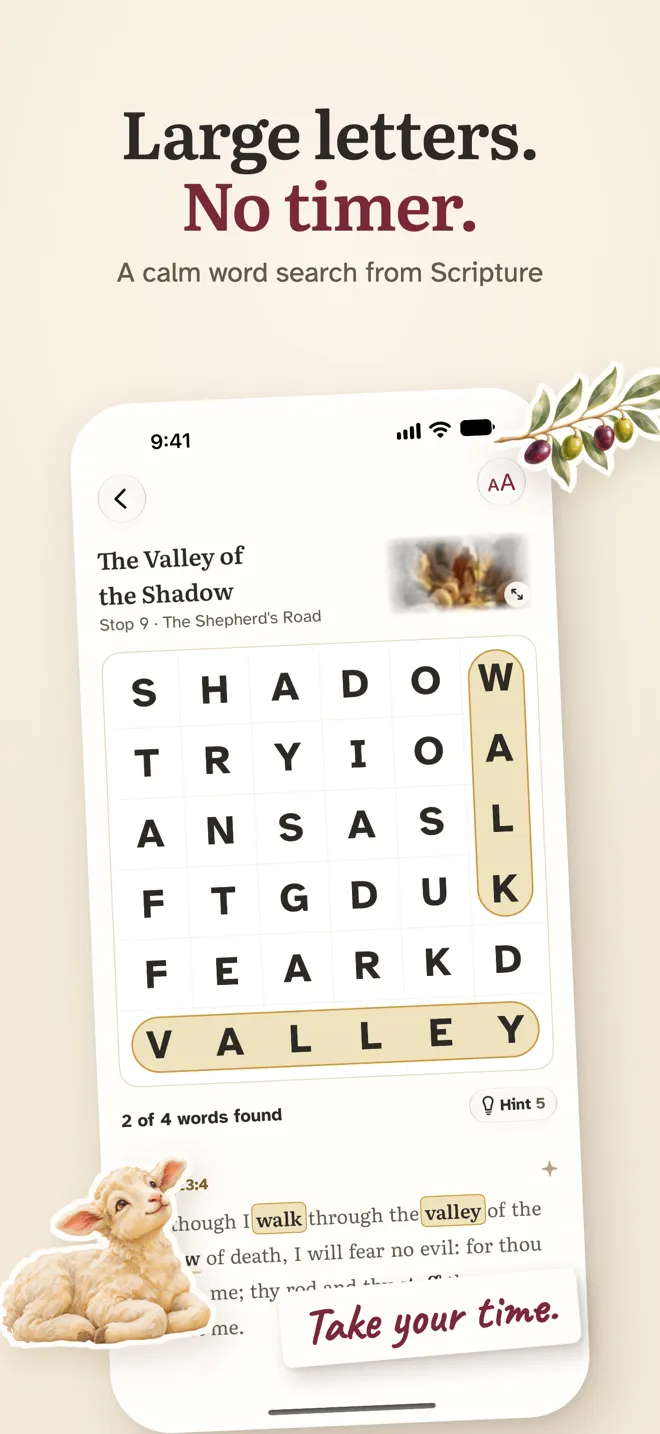
Drag across a word in the grid.
Find the words
Slide across a word, or tap its first and last letters. Hints refill every day.
Read the passage
Every word in the grid comes from the verse below it. By the time you finish, you already know it a little.
Walk the road
Each puzzle is one stop on a painted road through Scripture. Solve it and its painting fills in.
Made for a quiet moment
-
Easy on the eyes
- Large print
- Big, clear letters in three sizes.
- Light, dark or high contrast
- Pick the look that is easiest to read.
- No timer
- No clock, no lives and no way to lose. Miss a day and your streak waits.
-
Rooted in Scripture
- Four roads, 175 passages
- The Psalms, Proverbs, the life of Jesus and 25 days of Advent.
- King James Version
- Every passage checked word for word against its source.
- Read aloud
- Have any passage read to you by your iPhone’s voice.
-
Fits your day
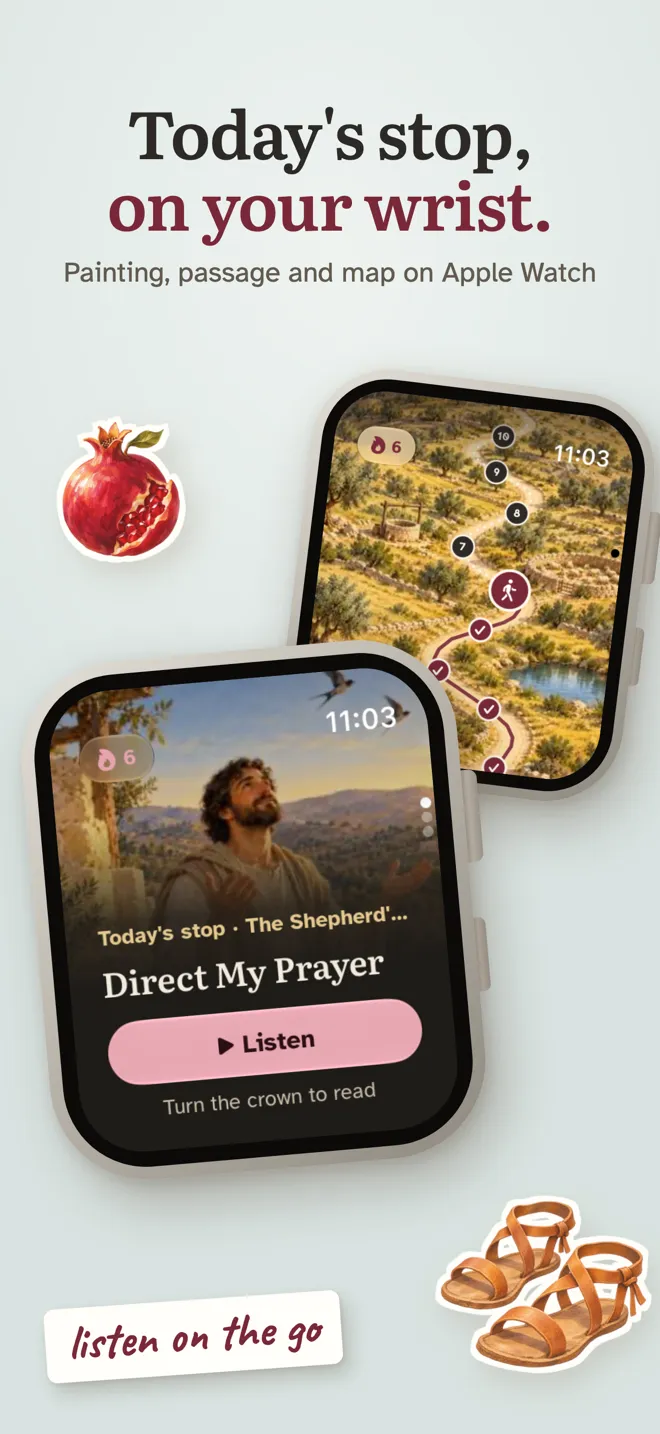
- Apple Watch
- Today’s stop on your wrist, to read or to hear.
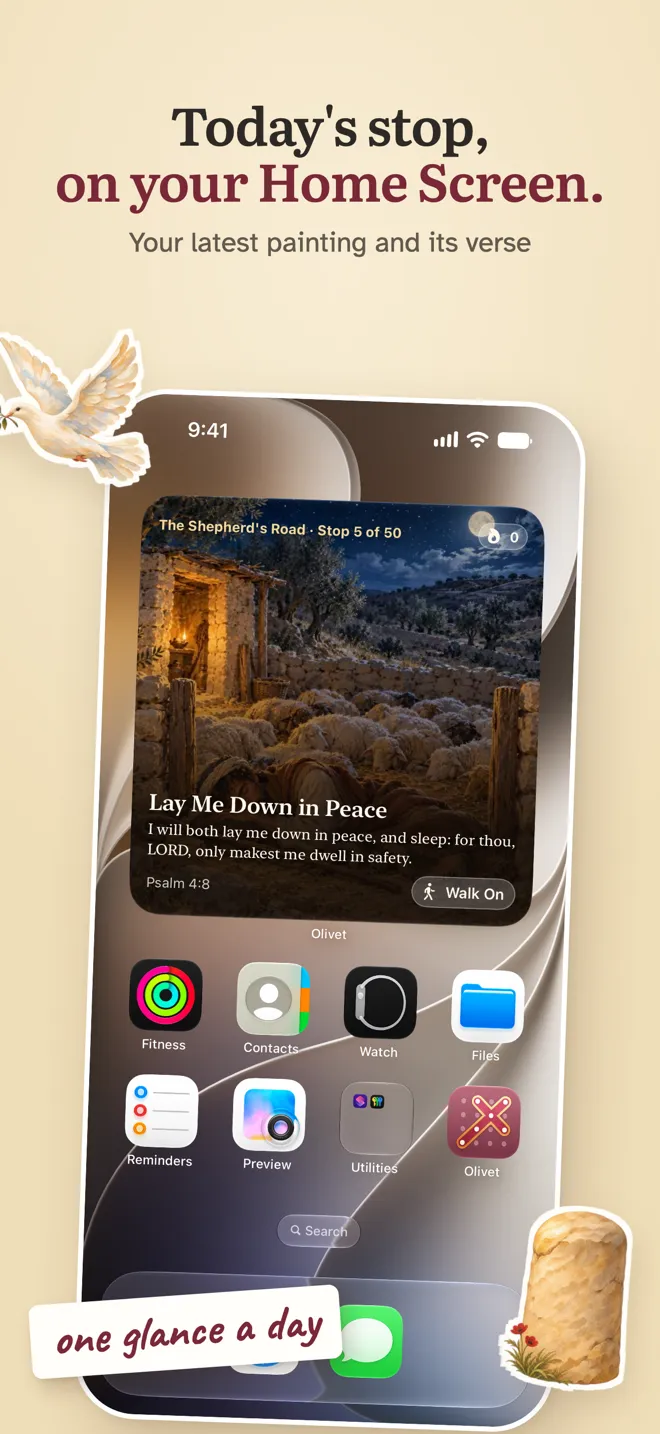
- Home Screen and Lock Screen
- A painting and its verse, one glance a day.
- CarPlay and Messages
- Hear passages in the car. Send paintings as stickers.
Questions
Do I need an account or internet?
No. There is nothing to sign up for, and every puzzle and passage works without a connection.
Which Bible translation does it use?
The King James Version in English. Olivet also comes in Spanish (Reina-Valera 1909), Portuguese (Bíblia Livre), French (Louis Segond 1910), German (Luther 1912) and Polish (Biblia Gdańska).
What is a road?
A series of stops through one part of Scripture, painted as one map. The Shepherd’s Road walks through 50 Psalms, Wisdom’s City through Proverbs, The Road with Jesus through the Gospels, and The Road to Bethlehem through Advent.
I installed Olivet before version 1.1. Do I have to pay?
No. Every road stays open for you, with thanks.
Something isn’t working. Who do I tell?
Write to hi@thulolab.com and we’ll get back to you.